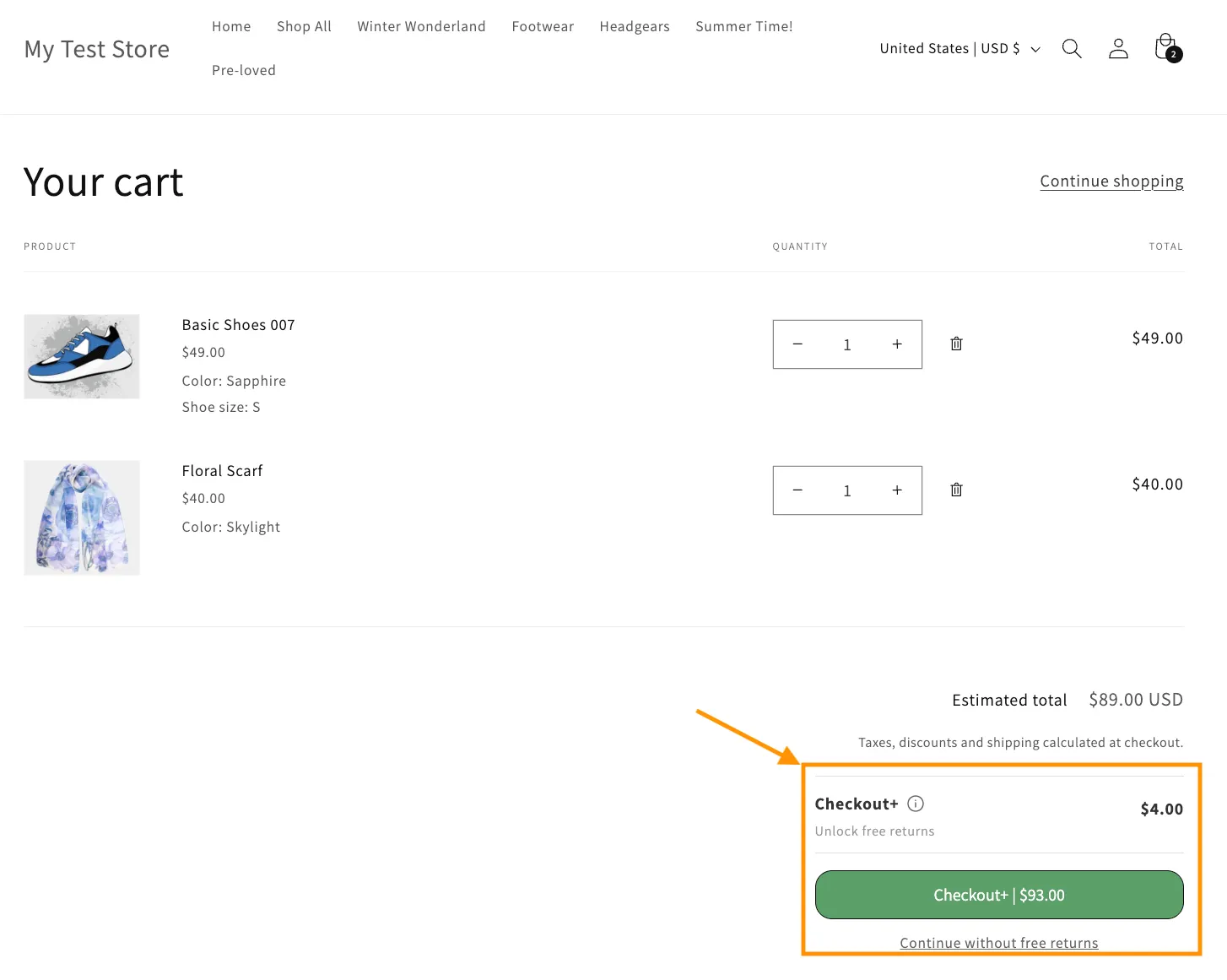
Excluding products or return methods from Checkout+
Checkout+ allows customers to pay a small fee at checkout to secure free returns later.
In some cases, you may want to limit when Checkout+ is offered to customers - such as on final sale products, or when a customer selects a specific return method.
This article will guide you through setting up exclusions to Checkout+.
Product Exclusions
In the Product Exclusions section, enter any Shopify product tags you’d like to exclude from Checkout+.
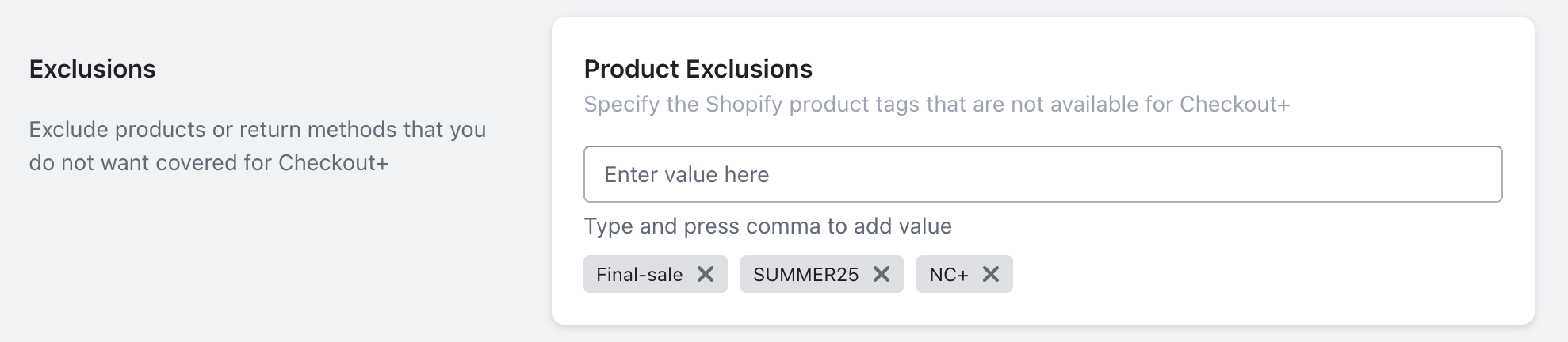
This is helpful for items that you prefer not to offer Checkout+ on, such as:
Final sale or clearance items
Seasonal or limited-release products
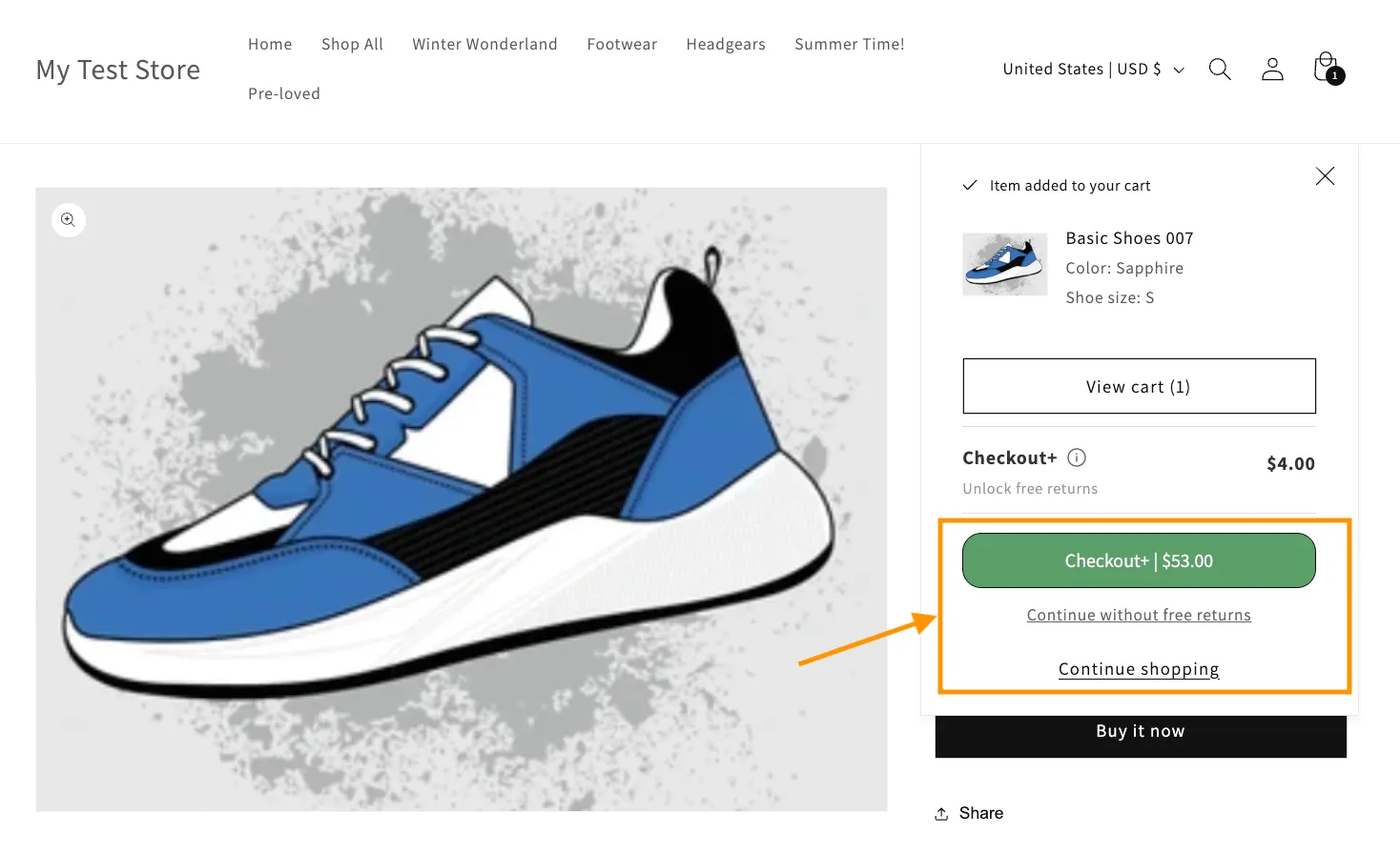
Here is an example of what customer sees when selecting a product that is eligible for Checkout+:
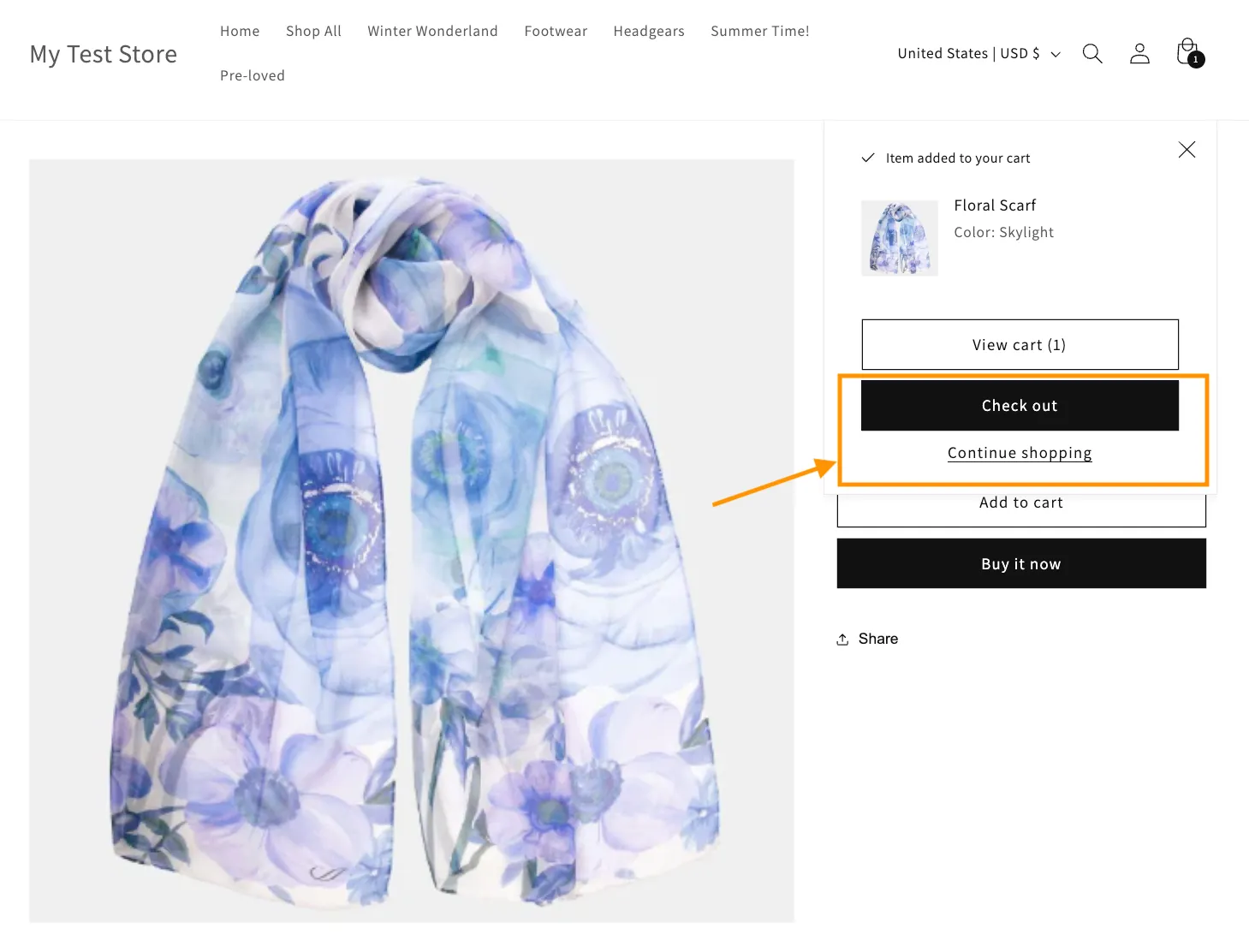
Here is an example of what customer sees when selecting a product excluded from Checkout+:
Return Method Exclusions
You can also exclude Checkout+ based on the return method your customer selects when returning their items in the returns portal.
Under Return Method Exclusions, simply check the box of the return methods that would not be eligible for Checkout+ when selected by your customers.
e.g. If Original Payment Method refund is excluded, customers will not be eligible for free returns when they return an item through this return method despite opting in for Checkout+.
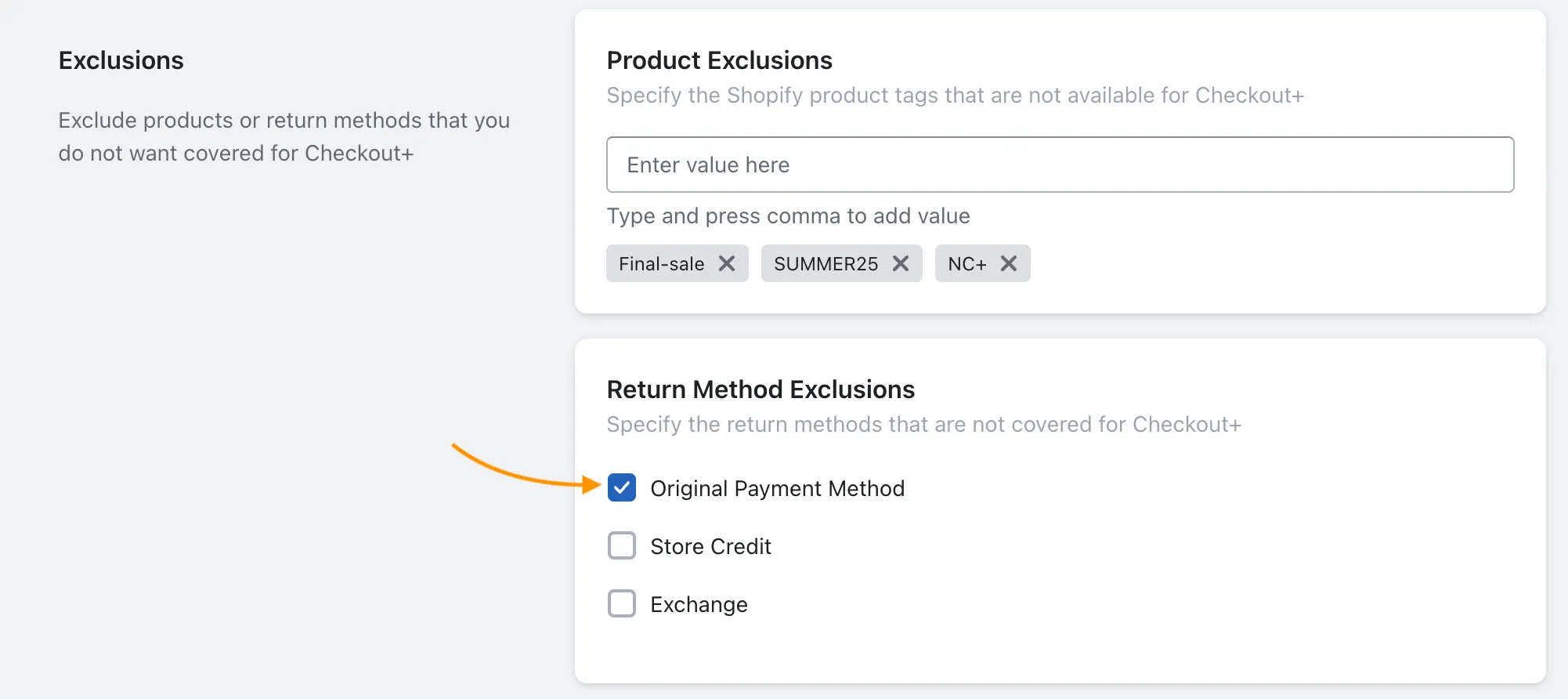
Note: At least one return method must remain eligible for Checkout+ and unchecked. If all return methods are excluded, Checkout+ will no longer appear at checkout.
Frequently asked questions
What happens when a customer buys both Checkout+ excluded and eligible products?
Checkout+ is offered at checkout as long as there’s at least one eligible item in the cart. If the customer later returns only excluded items, your regular return policies would apply. If they return eligible and excluded items together, the return is covered under Checkout+.