
Shopify Bundle Returns
A bundle product is made up of multiple items/SKUs sold together as one SKU. Many brands are now creating bundles using the Shopify Bundles app.
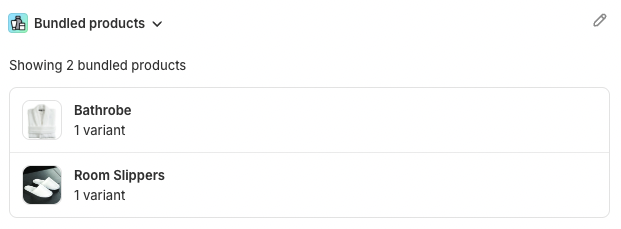
In this article, we’ll use a “Wellness Set” as an example, which includes 2 line items - a bathrobe and a pair of room slippers (see below).
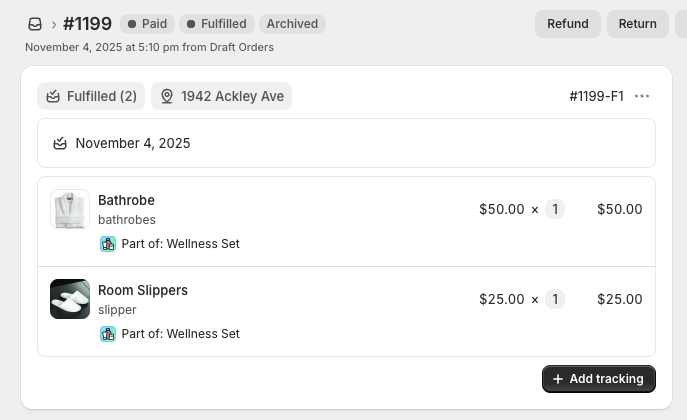
When a customer placed an order, the bundle appears as a single product, while its components are listed as separate line items in Shopify order (see below).
With Shopify’s latest bundles API, customers who purchased a bundle product has the flexibility to return the items within the bundle individually. Here's how it works:
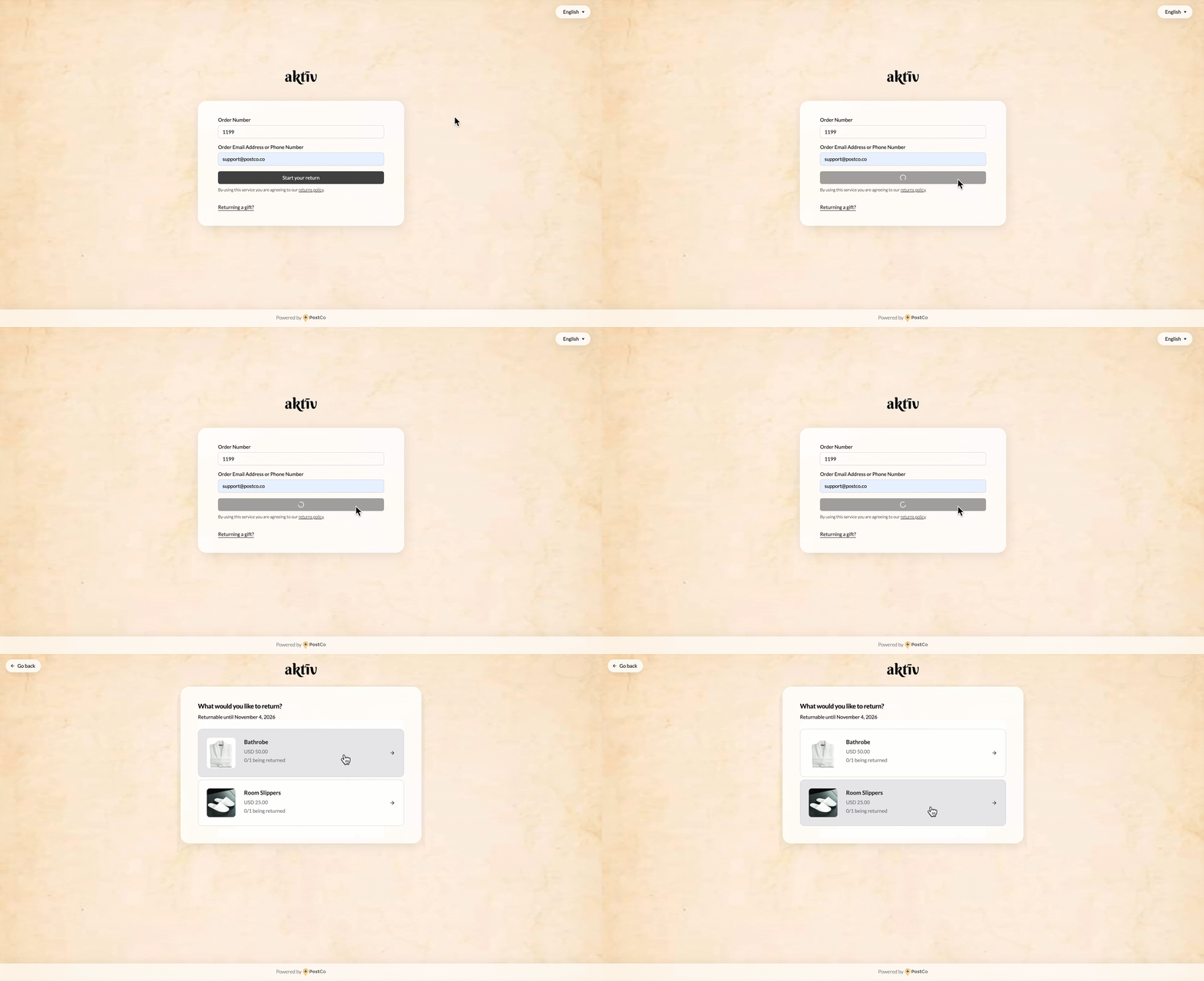
However, some brands prefer to require that the entire bundle be returned instead. This article explains how that works and what to configure.
Bundle returns
With the Bundle Returns feature enabled, customers are required to send back all items in a bundle to receive their refund or exchange. For example, if they bought a “Wellness Set”, they must send back both items.
Here’s how this setup will look like in the portal:
Setting up Bundle Returns
To get started, go to Return Settings > General in your PostCo dashboard. Then, toggle on the button and click on save. That's it!

If you need further assistance, reach out to your account manager or support@postco.co.